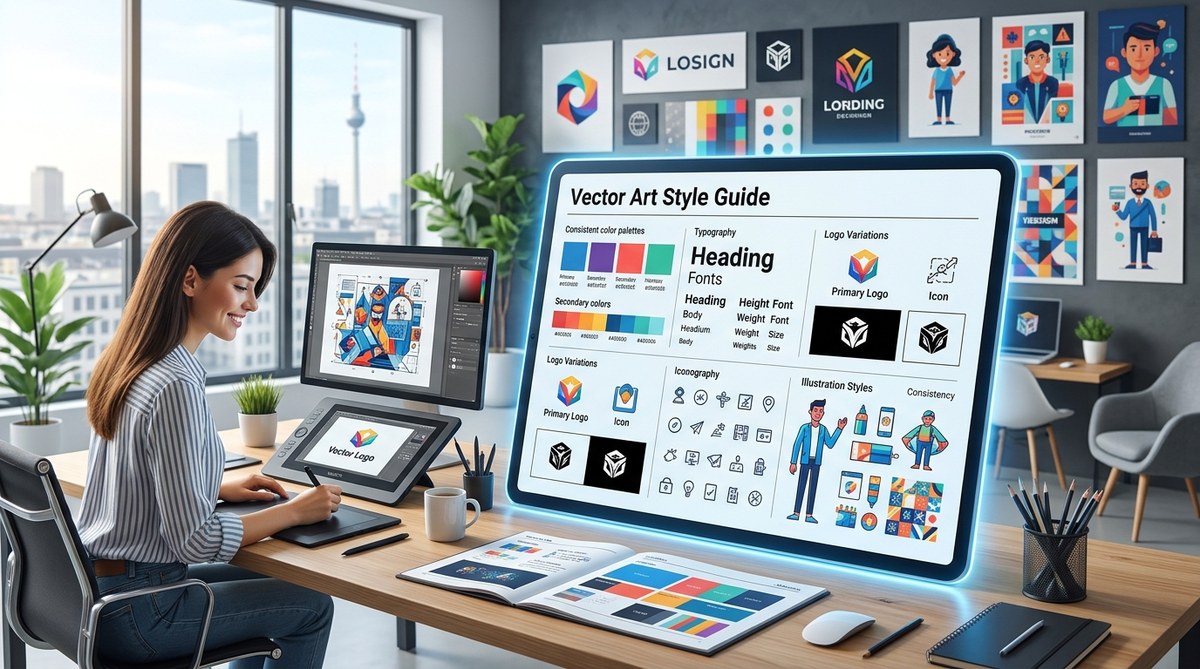
Every designer has that one file. The one where the line weights are all over the place. The one where the highlight color is slightly different on each layer. You open it six months later and wonder who made it. That moment is exactly why you need a vector art style guide. A style guide is not a corporate document for big teams. It is a personal tool that saves you time, keeps your work consistent, and makes your portfolio look intentional. In 2026, with so many tools, formats, and platforms to juggle, having a clear set of rules for your vector art is more important than ever. Let’s walk through what a style guide should include and how to build one that actually works for you.
A vector art style guide in 2026 is your creative compass. It defines line weights, color palettes, texture rules, and export settings so every piece you make feels like part of a bigger collection. This guide helps you avoid common mistakes, speed up your workflow, and build a visual identity that clients and followers recognize instantly.
What a Vector Art Style Guide Actually Covers
A style guide for vector art is not a brand book. It is a personal or project-specific rulebook. It covers the visual choices you make every time you open your software. Think of it as a checklist for your creative decisions.
Here are the core elements you should document:
- Line weight range: What is the thinnest line you use? What is the thickest? Do you use a single weight or a range?
- Stroke vs. fill rules: Do you use strokes on everything, or only on certain shapes? Do fills ever overlap strokes?
- Color palette: A defined set of hex codes or swatches. This includes primary colors, shadows, highlights, and accent tones.
- Texture and pattern rules: Do you use grain effects, noise, or repeating patterns? Are they vector-only or raster?
- Export settings: File format, DPI, color space (RGB or CMYK), and compression rules for each use case.
When you document these, you stop guessing. You stop recreating the wheel on every new illustration.
Why Consistency Matters More in 2026
The design world in 2026 is crowded. Social media feeds are relentless. Clients see hundreds of images a day. If your work looks different every time you post, people do not build a mental connection with your style. A style guide creates a visual fingerprint.
Take a look at the top vector artists on platforms like Dribbble or Behance. They do not change their line quality from piece to piece. They do not swap their highlight color for a random bright blue on a whim. They have a system. That system is what makes their work recognizable from a thumbnail.
If you are working with clients, a style guide also helps you set expectations. When you share a style guide before starting a project, the client knows exactly what they are getting. No surprises. No revisions because the shading was too dark. It saves you both time and frustration.
How to Build Your Own Style Guide in 5 Steps
Building a style guide does not have to be a huge project. Start small and add to it as you go.
-
Pick a single illustration and analyze it. Open a piece of vector art you are proud of. Write down the line weights, colors, and textures you used. That becomes your starting point.
-
Define your line weight system. Decide on a minimum and maximum stroke width. For example, you might use 2pt for outlines and 0.5pt for details. Write it down. Stick to it.
-
Lock in a color palette. Choose 5 to 8 colors that represent your style. Save them as a swatch file in your software. Use the same palette across all your work for a month. See how it feels.
-
Set rules for shading and highlights. Do you use flat colors only, or do you layer gradients? Do you add a white highlight on every element, or only on specific shapes? Document your method.
-
Create an export cheat sheet. Write down the exact settings you use for Instagram, for print, and for client delivery. This removes the guesswork when you are rushing to meet a deadline.
For a deeper look at the technical side of building complex illustrations, check out the art of vector layering how to build complex illustrations step by step.
Common Mistakes That a Style Guide Fixes
Even experienced designers fall into these traps. A style guide catches them before they become a problem.
| Mistake | How a Style Guide Fixes It |
|---|---|
| Inconsistent line weights | Document your min and max stroke widths |
| Random color choices | Lock your palette to a small set of swatches |
| Mixed texture styles | Define whether you use grain, noise, or flat vector only |
| Wrong export format | Create a table with settings for each platform |
| Drifting style over time | Review your guide every quarter and update it |
If you want to see a full list of common pitfalls, read our post on 7 vector art mistakes that are ruining your designs.
Tools and Workflows for 2026
Your style guide is only useful if you actually use it. That means integrating it into your daily workflow.
Most vector software in 2026 allows you to save swatch libraries, brush presets, and export profiles. Take advantage of that. Save your style guide as a template file. Every time you start a new illustration, open that template. It already has your layers, your colors, and your brushes ready.
Here are a few workflow tips:
- Keep your style guide as a PDF on your desktop or in a cloud folder. Reference it when you feel stuck.
- Share the guide with collaborators or clients before a project starts.
- Update the guide when you intentionally change your style. Do not let it become outdated.
For a full list of tools that can help you stay consistent, see 10 vector art tools every designer should master by 2026.
Expert Advice on Staying Consistent
“A style guide is not a cage. It is a foundation. Once you have the rules down, you can break them on purpose. But you need to know what you are breaking first.” — Senior vector artist and art director.
That quote sums it up well. The goal is not to limit your creativity. The goal is to give your creativity a consistent home. When the basics are handled, your brain is free to focus on composition, storytelling, and emotion.
How to Keep Your Style Guide Alive
A style guide should evolve. Your taste changes. New trends emerge. You discover a new brush or a new color combination that you love. That is fine.
Set a reminder to review your guide every three months. Ask yourself:
- Does this still represent my style?
- Have I added any new techniques that need rules?
- Are my export settings still correct for the platforms I use?
If the answer to any of these is yes, update the guide. Keep it living.
For inspiration on where your style might go next, check out emerging digital illustration styles to watch in 2026.
Making Your Vector Art Style Guide Work for You
The best style guide is the one you actually use. Do not overthink it. Start with a single page. Write down your line weights and your main palette. Use it for your next three projects. Then add more sections as you go.
Think of it like a recipe. You do not need a hundred ingredients to make a great meal. You need a few good ones and the discipline to use them consistently. Your vector art is the same.
Open your software today. Pick your favorite recent illustration. Write down three things about it: the line weight you used, the main color, and how you handled shading. That is the beginning of your style guide. Keep going from there.
If you want to take your skills even further, read our guide on mastering vector art techniques for stunning digital creations. It pairs perfectly with the foundation you are building here.
Your Style Guide Is Your Creative Signature
A vector art style guide in 2026 is not a luxury. It is a necessity for anyone who wants their work to be recognized, respected, and remembered. It gives you a clear set of rules to follow so you can focus on making great art instead of making decisions over and over again.
Start small. Stay consistent. Update as you grow. Your future self will thank you when you open that old file and everything just works.