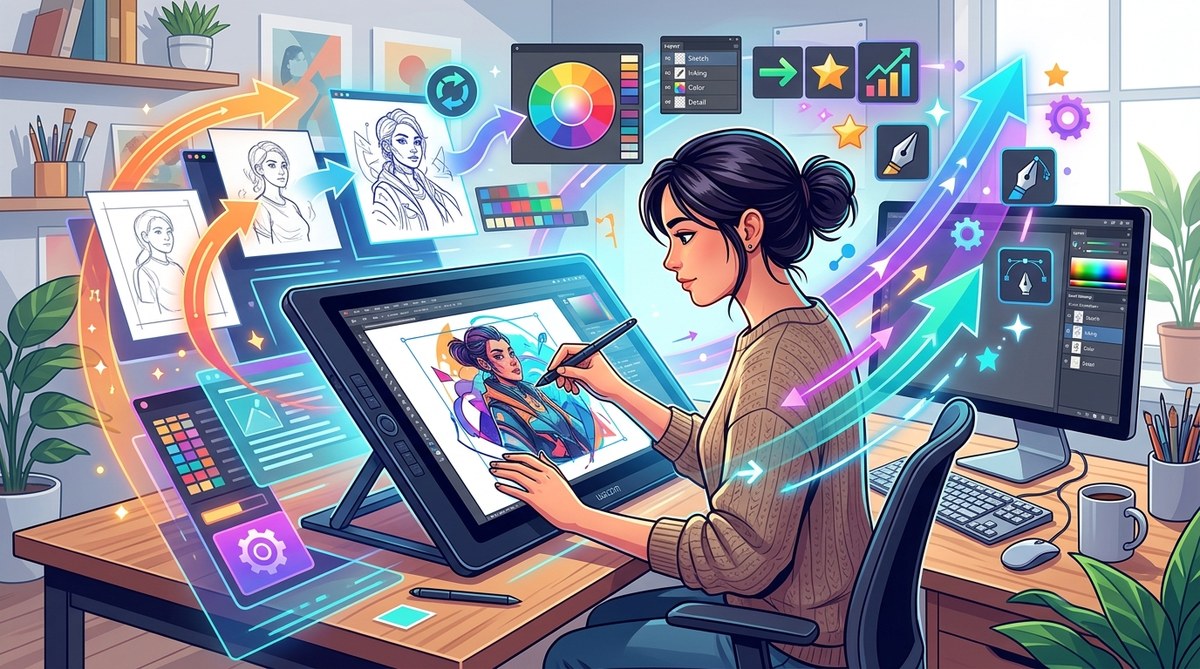
Getting into digital illustration can feel overwhelming at first. The tools, techniques, and endless possibilities can make it tough to find a smooth workflow. But with a few solid strategies, you can streamline your process, work faster, and focus on what really matters—your creativity. Whether you’re just starting or looking to sharpen your skills, mastering proven workflow tips will elevate your art and keep you motivated. Let’s dive into some practical steps that can make your digital illustration journey more enjoyable and productive.
Improving your digital illustration workflow involves planning your process, mastering your tools, and practicing deliberate techniques. Applying these proven tips helps you create better art faster, stay organized, and enjoy your creative flow more consistently.
Establish a Clear Workflow Foundation
Creating a reliable, repeatable workflow is essential for producing quality digital art efficiently. Without a plan, it’s easy to get lost in endless tweaking or wasting time on unnecessary steps. Start by breaking down your process into manageable phases. This clarity will help you stay focused and reduce frustration.
1. Plan Before You Start
Before diving into sketching, spend a few moments visualizing your final piece. Gather references, decide on the composition, and choose your color palette. Planning reduces guesswork and helps you work purposefully. For example, if you’re illustrating a character, think about pose, lighting, and mood beforehand.
2. Create a Structured Process
Adopt a step-by-step approach that works for you. A common structure might look like this:
- Sketch: Rough outlines to define composition and shapes.
- Refine: Clean up lines, add details, and adjust proportions.
- Color: Block in base colors, then build up shading and highlights.
- Details: Add textures, effects, and final touches.
- Review: Step back and evaluate; make adjustments as needed.
3. Use Templates and Presets
Save time with custom templates for frequently used elements or backgrounds. Many artists create color palette presets, brush settings, or layer styles that speed up their process. For example, having a template with pre-set layers for shadows and highlights can streamline rendering.
Master Your Digital Tools
Technical mastery is a cornerstone of an efficient workflow. Knowing your software and hardware saves time and prevents frustration.
Practical Tips for Tool Mastery
- Learn your software shortcuts: Familiarize yourself with shortcuts in programs like Photoshop, Clip Studio Paint, or Krita. They speed up navigation and editing.
- Customize brushes: Use or create brushes suited to your style. For instance, textured brushes can add depth without extra effort.
- Use layer organization: Name layers clearly, group related elements, and utilize layer masks to non-destructively edit.
- Invest in hardware: A good drawing tablet with a responsive pen can dramatically improve your control and comfort.
Expert Advice
“Mastering your tools is like learning to drive. The better you know your vehicle, the faster and more confidently you can create.” — Digital artist Jane Doe
Develop Consistent Techniques
Adopting standardized techniques reduces guesswork and improves your overall quality.
Techniques to Incorporate
- Use a limited color palette for harmony.
- Apply blocking in colors first, then add shading.
- Use soft and hard brushes strategically to create depth.
- Keep your linework clean or intentionally sketchy based on your style.
Avoid Common Mistakes
| Technique | Mistake |
|---|---|
| Overworking details | Losing the initial clarity |
| Ignoring color harmony | Resulting in disjointed images |
| Skipping rough sketches | Making final work less cohesive |
Organize Your Workspace and Files
A cluttered workspace hampers creativity. Keep your digital environment tidy.
- Set up custom workspace layouts tailored to your workflow.
- Save projects in organized folders with descriptive names.
- Back up your work regularly to prevent data loss.
- Use cloud storage for access across devices.
Tips for Better Organization
- Create a dedicated folder for each project.
- Use versioning to track progress.
- Keep reference images in a separate folder for quick access.
Practice Deliberately and Reflect
Consistent practice is key to growth. Focused exercises develop your skills faster.
How to Practice Effectively
- Set specific goals, like mastering hair rendering or backgrounds.
- Limit the scope of each practice session.
- Review your work critically; identify strengths and areas for improvement.
- Seek feedback from fellow artists or communities.
Learning from Mistakes
Analyze your work to see what works and what doesn’t. Don’t be afraid to redo parts or try new techniques. Over time, you’ll develop your own efficient style and process.
Use Resources and Tutorials Wisely
There is a wealth of tutorials and inspiration online. Use them to learn new techniques and keep your workflow fresh.
- Follow tutorials that match your skill level.
- Incorporate new methods gradually into your routine.
- Join artist communities for feedback and motivation.
For example, if you’re interested in vector art, checking out the https://bloodsweatvector.com/mastering-vector-art-techniques-for-stunning-digital-creations/ can give you targeted insights.
Stay Consistent and Avoid Burnout
Consistency beats sporadic bursts of effort. Set realistic goals and schedule regular art sessions.
- Break projects into smaller tasks.
- Celebrate small wins.
- Take breaks to refresh your mind.
- Remember that progress takes time, and persistence pays off.
Summing Up Your Workflow Journey
Refining your digital illustration workflow is an ongoing process. By establishing a clear structure, mastering your tools, practicing intentionally, and staying organized, you’ll see steady improvements. Remember, every artist has a unique path, so adapt these tips to fit your style and needs. Keep experimenting, stay curious, and enjoy the creative process.
Keep Moving Forward with Confidence
Applying these proven workflow tips will help you work smarter, not harder. The more structured and intentional your approach, the more your skills will grow. Embrace the learning curve and trust that consistent effort will pay off in your artwork. Your best work is yet to come.
This guide aims to give you practical, actionable steps to boost your digital illustration skills through improved workflow practices. Keep refining your process, stay inspired, and most importantly, enjoy creating art that makes you proud.